Contributor guide
A step-by-step guide to writing a company entry for the Unlock My Data database.
I. Where to find the information?
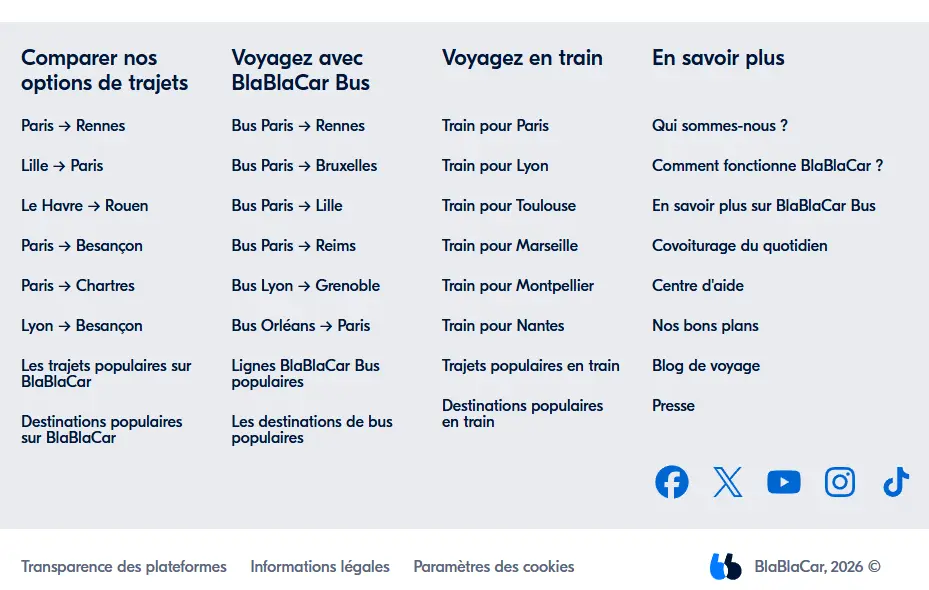
Most of the information you need is in the company's privacy policy or legal notice. The link to these pages is usually at the very bottom of the website's home page.
Take BlaBlaCar as an example: scrolling to the bottom of blablacar.fr reveals the legal information you need to fill in the company entry.
II. General information
a. Company name
The company name should not be confused with the name of the group it belongs to, nor with a single establishment.
BlaBlaCar example: it is an establishment with its own SIRET number. You must, however, show that it belongs to the company COMUTO, which has a SIREN number and is less well known.
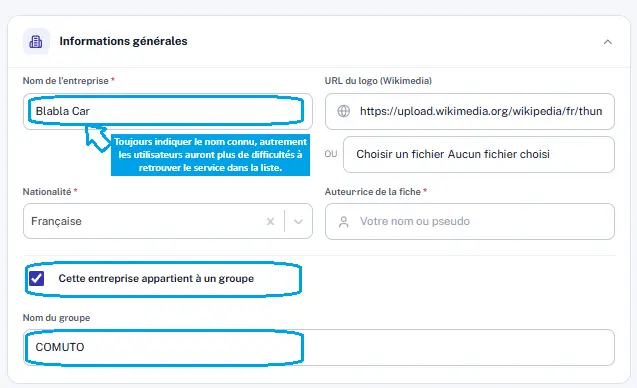
How do you know whether it is an establishment belonging to a group? If the site is well built, the information appears in the legal notice or the privacy policy. For BlaBlaCar, Comuto is mentioned in the privacy policy:
“The data controller for journeys made on BlaBlaCar Bus is Comuto Pro […], a wholly-owned subsidiary of Comuto SA, whose registered office is at 84, avenue de la République — 75011 Paris.”
A mention of a subsidiary should raise a flag. Check the information across several sources:
- French company directory (data.gouv.fr)
- Dun & Bradstreet
- Société.com
- Wikipedia, LinkedIn
b. Logo URL
Two options:
- Download the image to your computer and insert it via “choose a file”;
- or copy and paste the image address.
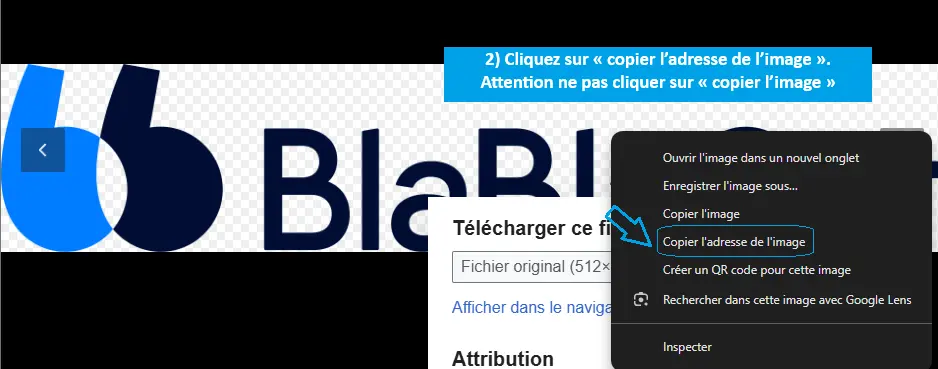
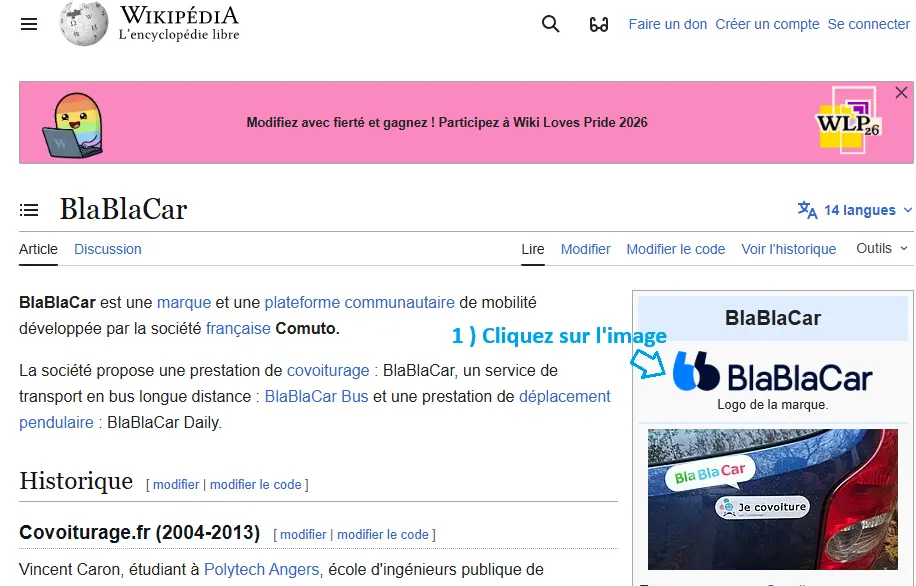
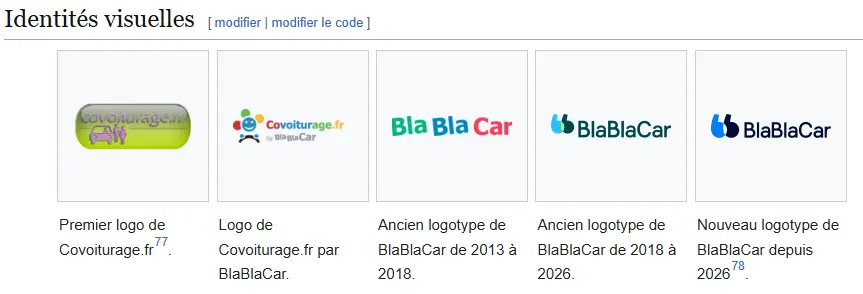
Where to find the logo? On Wikipedia, Wikimedia or companieslogo.com. Always use the latest version of the logo. On Wikipedia you will sometimes find the evolution of the visual identity:
c. Nationality
The nationality to enter is that of the parent company (if the company belongs to a group) or of the registered office. Do not confuse the location of an establishment with that of the registered office.
d. Author of the entry
Enter your first name or nickname. Ideally the same nickname as on Framateam: it makes feedback easier during review by the Unlock team and helps track how many entries each person has filled in.
III. Access to personal data
a. Contact email for the export
Enter the email address used to exercise your rights (access, deletion, portability…) or for any question related to data protection. It is usually in the “Your rights” section of the privacy policy. If access is via a form and no DPO address is given, leave this field empty.
b. Ease of access to data
Choose the level based on the documents required, the access methods offered, and how hard they are to find.
c. Required document(s)
Select the required documents. If several are requested, choose “Other” and simply list them.
d. Details of the request
Describe the procedure, keeping it concise. For example:
- Send an email to … ;
- Fill in the collection form (link).
e. Response time
Choose the time offered. If not stated and you have not made a request yourself, leave it blank.
f. Response format
Choose the format offered. If not stated and without a personal request, leave it blank.
g. Website URL to make a request
For an online request form, enter the page URL. If the request is only by email or postal mail, leave it empty.
h. Postal address to make a request
If a postal address is provided for requests by mail, enter the physical address. Otherwise, leave the field empty.
IV. Sanctions and data transfers
a. CNIL sanction
Check the box if the company has already been sanctioned by the CNIL (the French DPA). If a procedure is ongoing, check the box and note “No CNIL sanction but ongoing procedure (detail)”.
Sanction details: date, authority, and the breach sanctioned. Be brief (e.g. “cookies breach”, “transparency breach”).
Useful sites:
- Sanctions issued by the CNIL
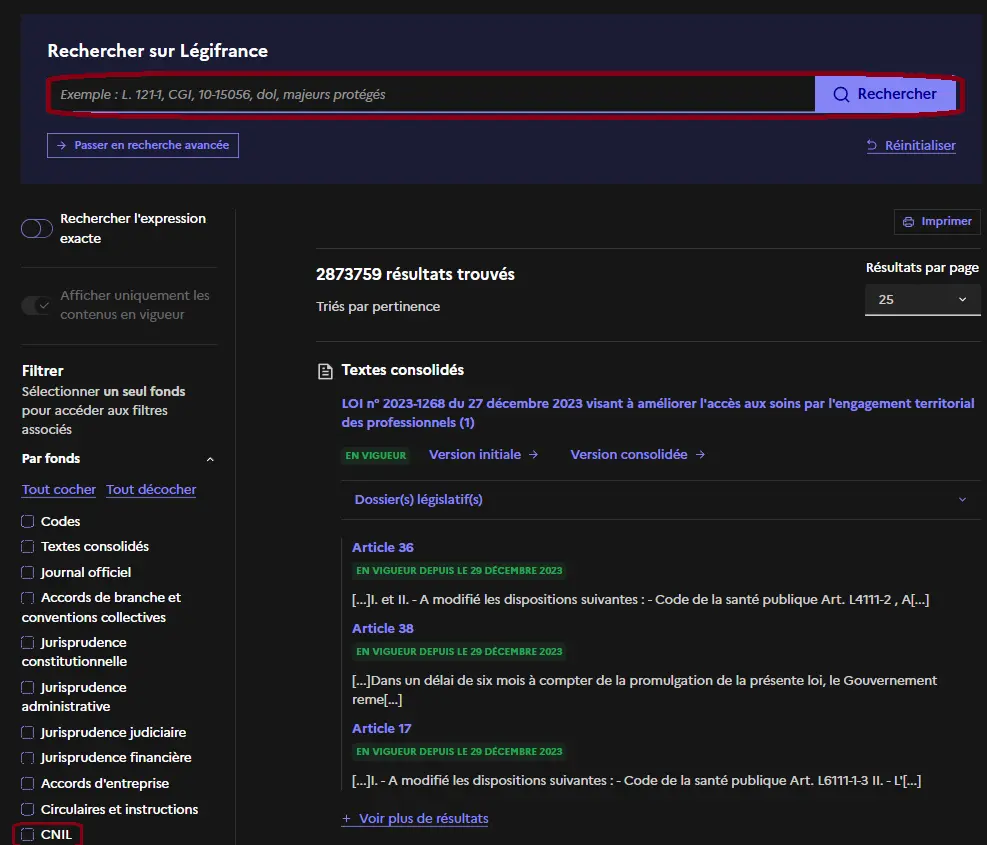
- Légifrance: click “Filter” → “By collection” → check “CNIL” → “By type of decision” → “Sanctions”, then enter the company name.
b. Data transfer policy
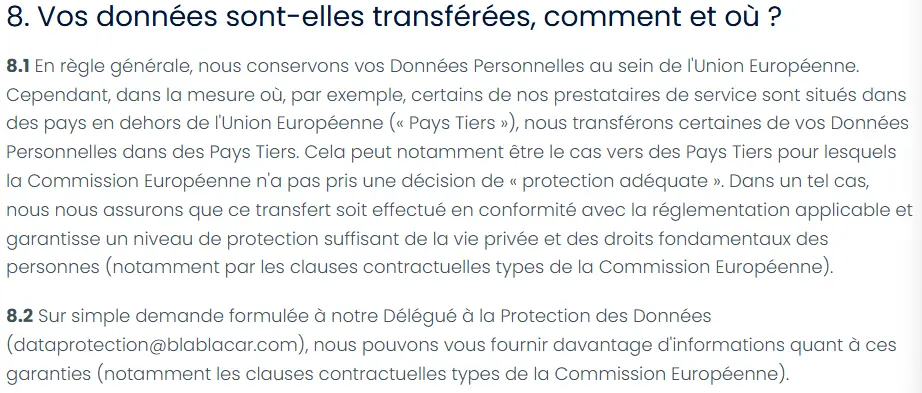
Check the box if the company states that data may be transferred to countries other than France. This part is tricky: few companies clearly state their transfers and sub-processors — which reveals their lack of transparency.
The information is found in the privacy policy, the transfer policy (if any), the terms of use, or the cookie policy. Often scattered.
c. Storage outside the EU
Check the box if data may be transferred outside the European Union. Often implicit: companies mention “partners” without saying where they are. When in doubt, check the box or ask the Unlock team on Framateam.
d. Transfer destination countries
Select the countries mentioned in the document covering transfers and/or the privacy policy.
e. Privacy policy URL
Enter the document URL. English version: only if it exists on the site, otherwise leave it empty.
f. Privacy policy quote
Paste only the excerpt about data transfers (5 lines max). No need to quote a generic paragraph about collection: it adds nothing to the analysis.
V. Recommended alternatives
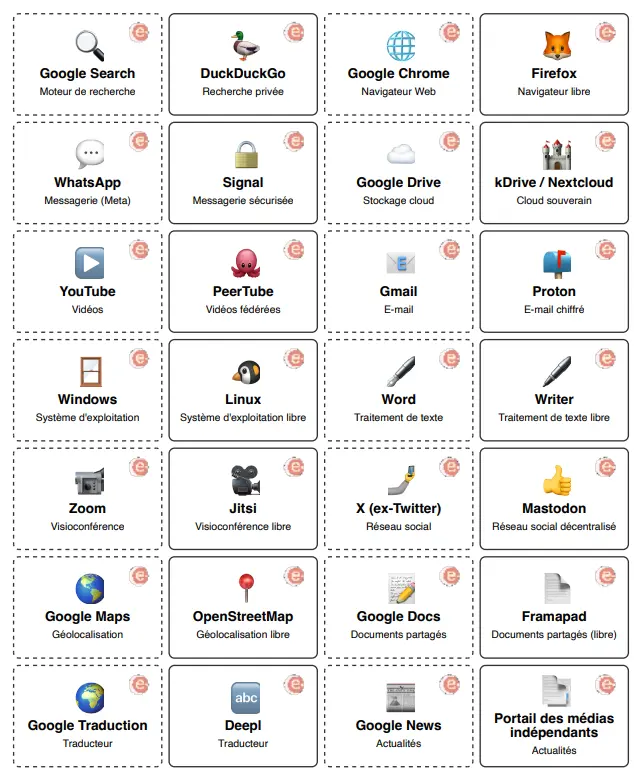
An alternative is a company offering substantially the same services, but more protective of its users' data, more sovereign or more free/open.
VI. Mobile application
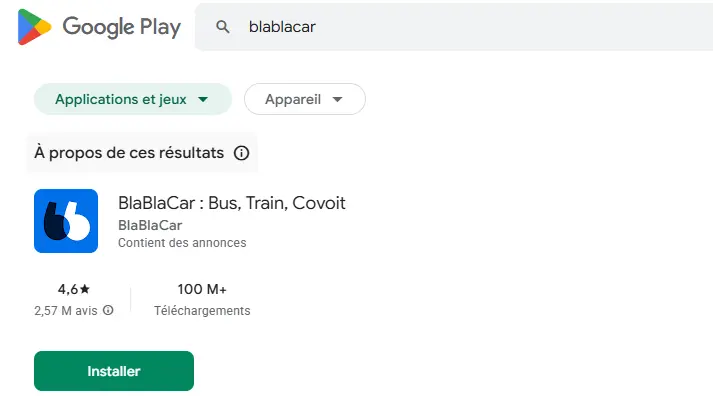
a. Application name
Enter the name as it appears on the Play Store or App Store. For BlaBlaCar: “BlaBlaCar: Bus, Train, Carpool”.
b. Play Store / App Store link
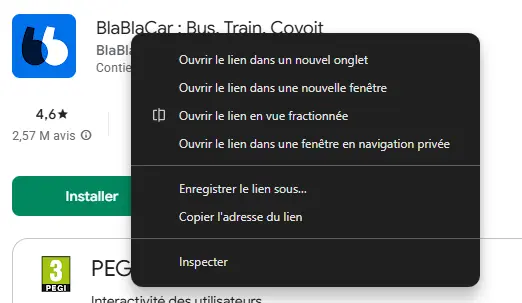
Enter the application's address. Right-click the app name → “Copy link address”. For BlaBlaCar: play.google.com/store/apps/details?id=com.comuto.
Guide written by dominique_usa, edited and improved by Charlotte Leriche. Version 0.2 — 27 July 2026.